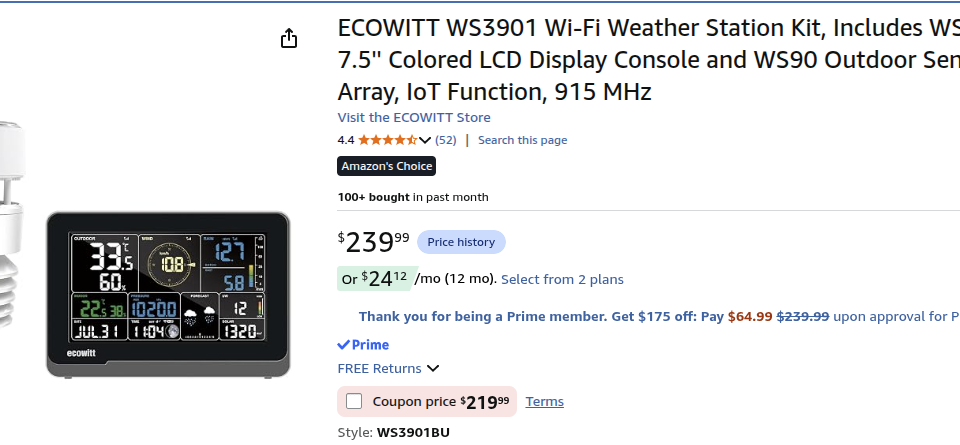
I have decided to upgrade my personal weather station (PWS) due to the aging Acurite and the lack of data that was broadcasting through weewx in APRS. After some research, The Ecowitt WS3901 with the WS90 sensor was the chosen winner because of the features and functions.
You can purchase this through my Amazon Affiliates link here: https://amzn.to/4zzO6St
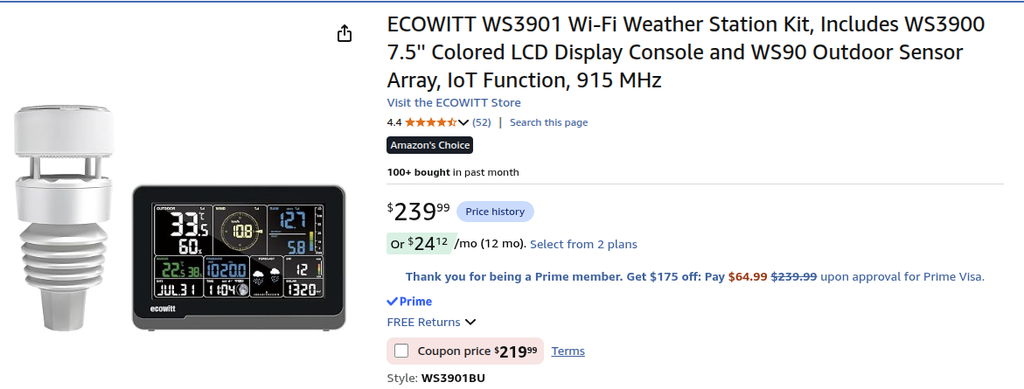
One of the biggest factors is that it must be compatible with weewx and it must contain either the same amount of sensors or if more. It was not until the package arrived that I notice the Ecowitt has a rabbit hole behind it as with most Chinese manufacturers but I took my chance with this and the end result is perfect.
You can view the rabbit hole of information for Fine Offset and Ecowitt here – https://meshka.eu/Ecowitt/dokuwiki/doku.php?id=start
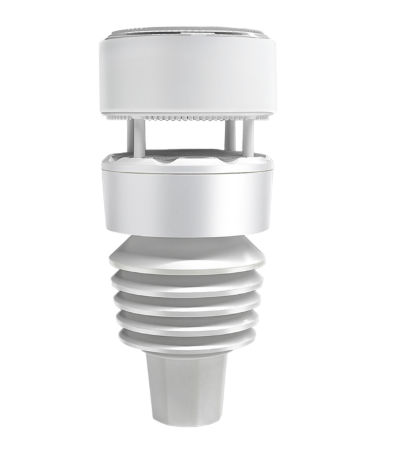
The WS90 sensor contains 7 weather sensors. As you can see from above, it is very small and easily fits on a 1 inch pole. I mounted mine on a left over Acurite mount since i only had 1 1/2 poles for antennas but setup did not take more than 30 minutes. Instruction manual and online was not clear where to start first. You will start with setting up the WS39001 first and connect it to your wifi in 2.4ghz.
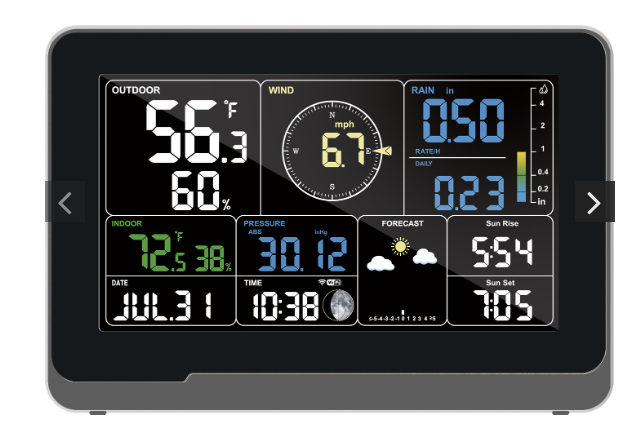
The WS90 sensor will automatically pair with the WS39001 without interaction. The pairing is instant.
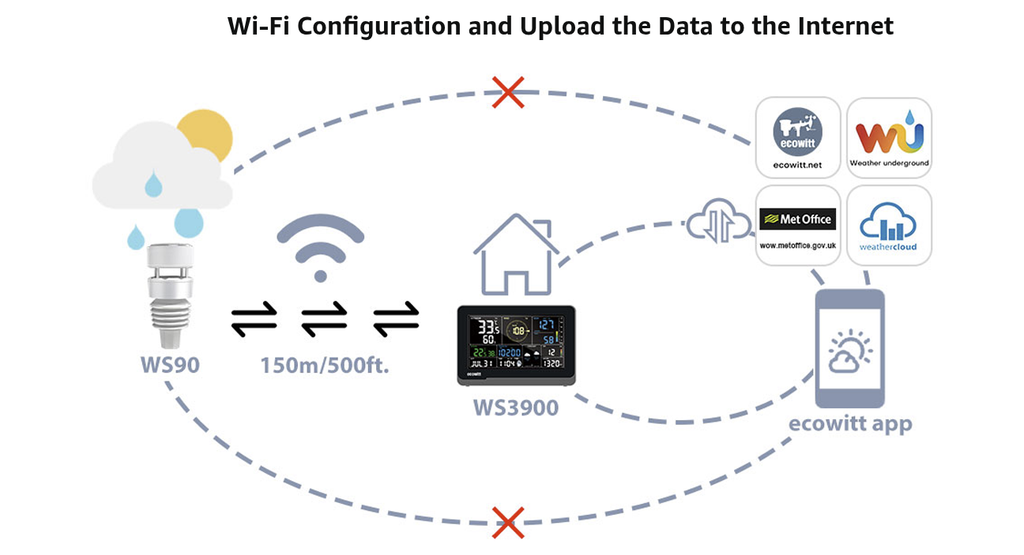
The WS39001 is setup through Ecowitt mobile app but after setup, it will be visible on the network and can be accessed through browser.
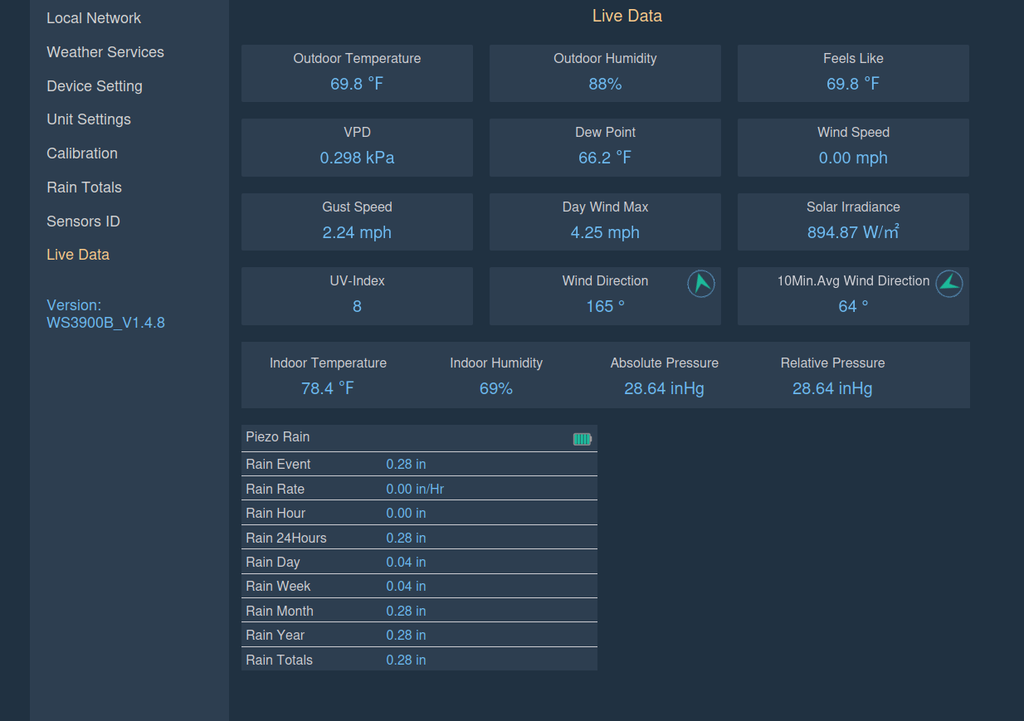
Under the weather services is where we begin the journey. It provides sending the data to Weather Underground, WeatherCloud, WeatherObservation website and custom. The custom is what we will use for Weewx.
There is two weewx drivers for the Ecowitt: GW1000 driver and Interceptor. GW1000 is for older firmware models therefore interceptor was used and setup does not take more than 30 minutes.
Interceptor driver located here – https://github.com/matthewwall/weewx-interceptor
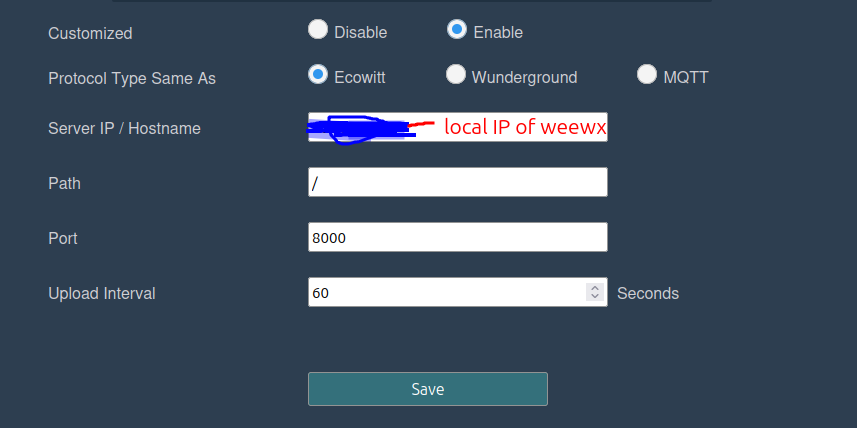
On the webgui of the Ecowitt, enable the custom server and point the IP to the server of the weewx and use port 8000. This is the port interceptor will be using to listen to the data.
Stop weewx:
sudo systemctl stop weewxInstall the weewx interceptor driver:
1) download the interceptor driver

wget -O weewx-interceptor.zip https://github.com/matthewwall/weewx-interceptor/archive/master.zip

2) install the driver

sudo wee_extension --install weewx-interceptor.zip

3) configure the driver
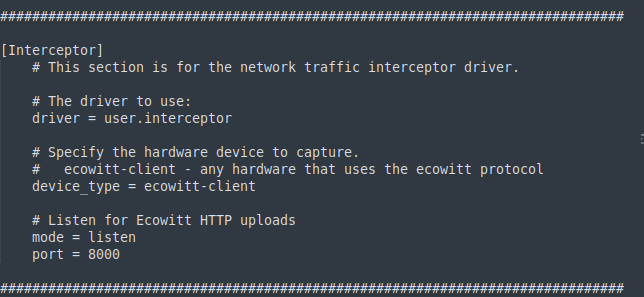
Check the weewx.conf and make sure it matches the following:
[Interceptor]
    # This section is for the network traffic interceptor driver.

    # The driver to use:
    driver = user.interceptor

    # Specify the hardware device to capture.
    #   ecowitt-client - any hardware that uses the ecowitt protocol
    device_type = ecowitt-client

    # Listen for Ecowitt HTTP uploads
    mode = listen
    port = 8000
If all looks good, you may start weewx.
sudo systemctl start weewx